
Bras ergonomiques pour moniteurs

-

Bras de support pour écran M2 Pro
De $499
-

Bras pour écran simple M8 Pro
De $784
-

Bras de support M8 Pro pour deux écrans avec poignée
De $1,126
-

Support double moniteur M8 Pro
De $999
-

M2 Pro Double Fixation
De $970
-

M/Flex pour bras de moniteur simple M2 Pro avec glissière
De $780
-

M/Flex pour M2 Pro, bras pour un seul écran
De $742
-

M/Flex pour le bras à double écran M2 Pro
De $1,058
-

M/Flex pour le bras de moniteur quadruple M2 Pro
De $1,973
-

M/Flex pour bras d'écran double M2 Pro avec curseurs
De $1,188
-

Bras d'écran quadruple M/Flex pour M2 Pro avec glissières
De $2,233
-

M/Flex pour M2 Pro Bras de moniteur double avec extension étendue
De $1,112
-

Bras de moniteur quadruple M/Flex pour M2 Pro avec portée étendue
De $2,081
-

M/Flex pour M2 Pro - Bras triple écran avec curseurs
De $1,515
-

M/Flex pour le bras de support à six écrans M2 Pro
De $2,929
-

M/Flex pour bras de moniteur triple M2 Pro
De $1,299
-

M/Flex pour M2 Pro - Supports pour triple moniteur à portée étendue
De $1,413
-

M/Flex pour bras de moniteur double empilé M2 Pro
De $1,253
-

Bras de support M/Flex pour M8 Pro - 1 écran
De $1,126
-

M/Flex pour bras de moniteur double M8 Pro
De $1,713
-

M/Flex pour bras de moniteur quadruple M8 Pro
De $3,240
-

M/Flex pour bras d'écran double M8 Pro avec portée étendue
De $1,767
-

M/Flex pour bras d'écran quadruple M8 Pro avec extension de portée
De $3,348
-

M/Flex pour bras d'écran triple M8 Pro
De $2,283
-

M/Flex pour bras de moniteur double empilé M8 Pro avec extension de portée
De $1,906
-

M/Flex pour bras d'écran double M8 Pro Stacked à profondeur fixe
De $894
Caractéristiques de conception
-
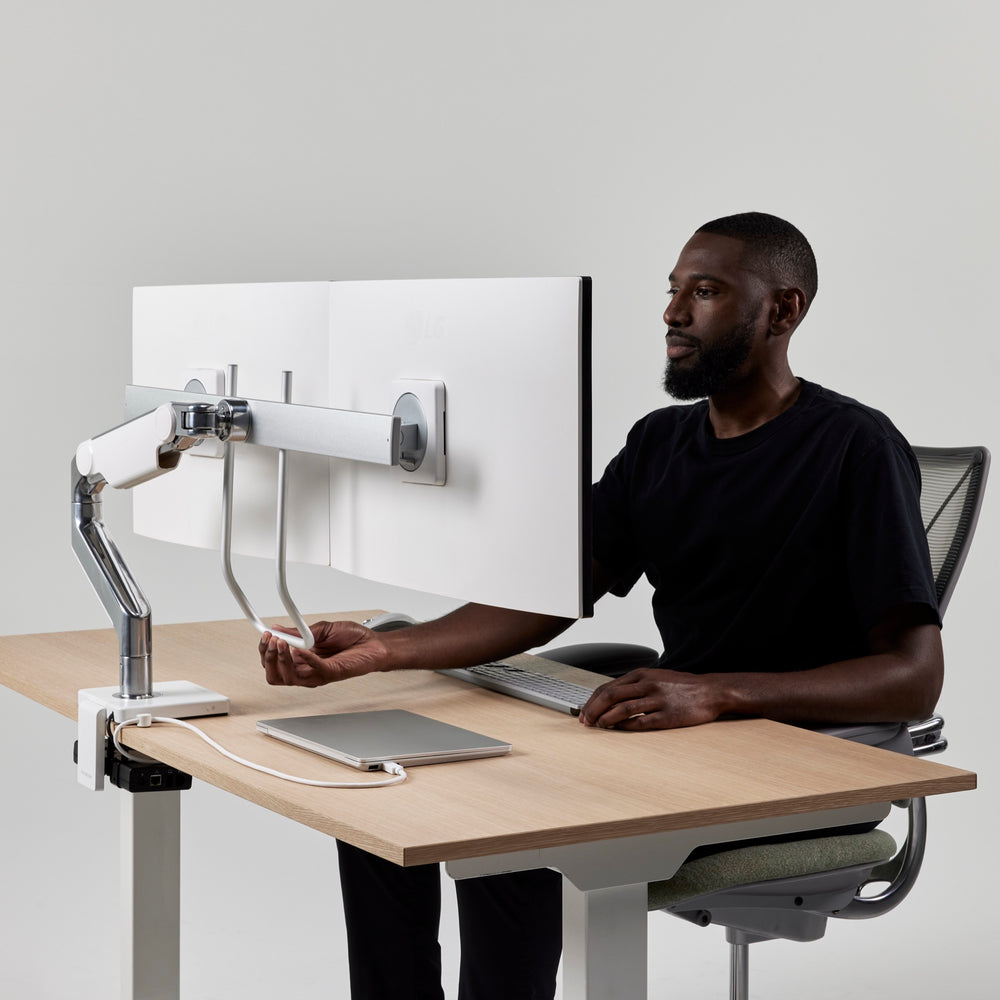
Instant Adjustments for Healthy Postures
-

Extensive Range of Movement
-
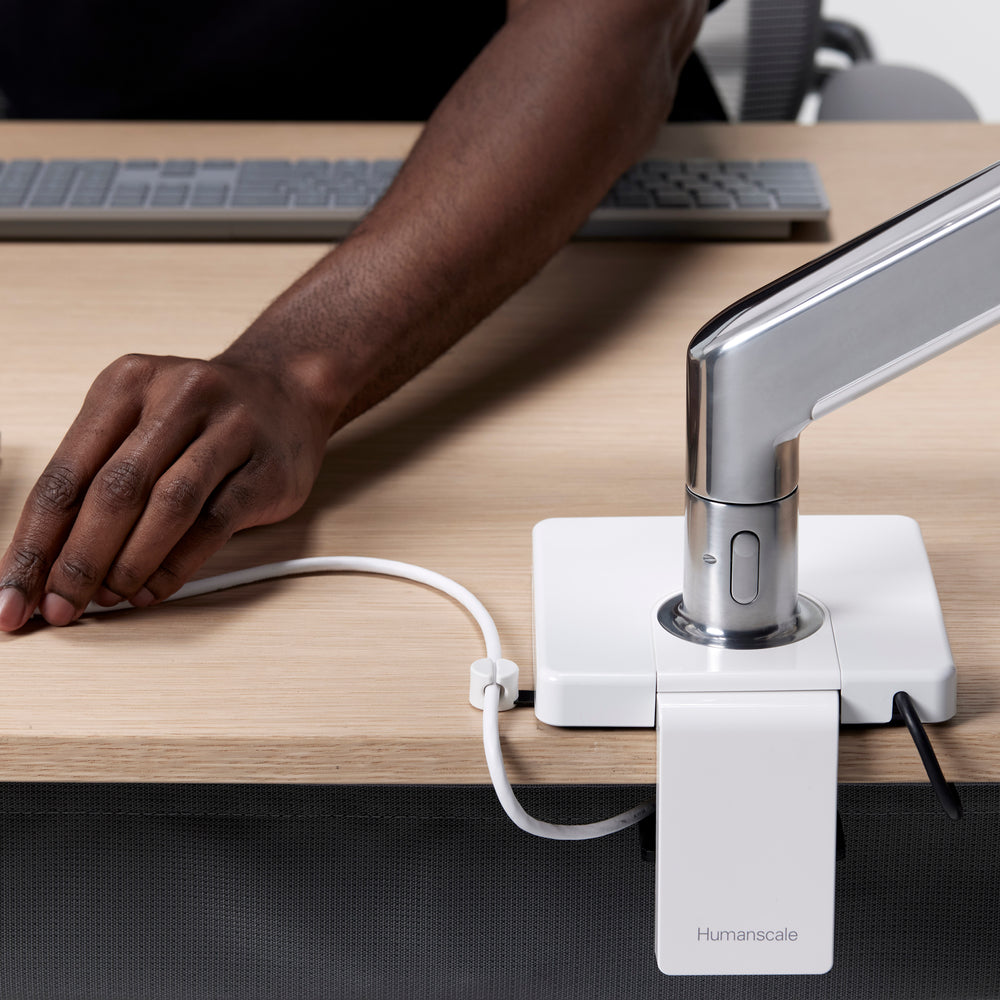
Integrated Technology with M/Connect
-

Endless Configuration with M/Flex
-

Easy Assembly
-

Built In Cable Managment


Options de bras de moniteur pour différentes configurations d'écran

Single Monitor Arms

Double Monitor Arms

Triple Monitor Arms

Quad & Six Monitor Arms
Why do I need a monitor arm (and not a stand)?
Without a monitor arm, many people lean forward toward their screen (you may be doing it right now). Over time, that posture can strain your neck, shoulders, and back. A monitor arm lets you place your display at the right height and distance and adjust it easily as you move, so you stay supported throughout the day.
What makes Humanscale monitor arms different?
Humanscale monitor arms are built for professional-grade performance at home and in the workplace. We use precision components like ball bearings and mechanical springs for smoother motion and stability over time. Our monitor arms are tested to exceed 25,000 vertical load cycles and backed by a 15-year warranty.
What is Smart Stop and why does it matter?
Smart Stop is a tamper-proof rotation stop that helps prevent over-rotation into walls, neighboring desks, or surrounding equipment. It is a simple feature that protects your space and keeps setups consistent in shared environments.
Is installation difficult?
No. Installation is quick and simple. Clamp the mount to your desk, set Smart Stop to control rotation, attach the VESA plate to your monitor, then connect the arm and click the monitor into place with Quick Connect.
Will a Humanscale monitor arm fit my monitor?
Most monitors are compatible if they use a standard VESA mounting pattern, commonly 75mm or 100mm. If your monitor needs a specialty setup, we offer additional VESA plates and accessories for different applications.
How do I know if my monitor is too heavy or too large for a monitor arm?
Start with weight: match your monitor’s weight (without the stand) to the arm’s supported weight range listed on the product page. For dual monitor setups, also confirm any screen size guidance so both displays fit and move as intended.
Should I choose a single or dual monitor arm?
Choose a single arm if you use one primary display or want maximum flexibility. Choose a dual configuration if you work across two screens and want them aligned while keeping the desk surface clear.
Can I use a monitor arm with a sit-stand desk?
Yes. A monitor arm helps keep your screen at the right height and distance as you move between seated and standing positions, so you do not end up leaning forward.
What does “integrated technology” mean?
It means your monitor arm can do more than hold the screen. Humanscale integrates power and connectivity options into the arm so the ports you use are within reach and the desktop stays cleaner, with fewer devices and cables in the way.
Why should I choose an integrated dock with my monitor arm?
Because a dock on the desk and cables everywhere wastes usable workspace and creates visual clutter. Integrating connectivity into the monitor arm keeps the ports you need within reach while helping move the rest off the desktop, so your setup looks cleaner and works better day to day.
Which integrated technology option is right for me?
Choose based on your setup: M/Power: For convenient power and charging within reach. M/Connect 3 ProDock: A full docking solution integrated into the arm for a cleaner, more complete connectivity setup. M/Connect 3 USB Data Hub: Ideal if you use a USB-C monitor. It adds convenient data and charging ports within reach without needing a full dock.
Do Humanscale monitor arms include cable management?
Yes. Many configurations include integrated cable routing to help keep cables protected, organized, and out of the way.